
A CD player for your iPhone.
Recreate a 5-disc CD player carousel on your iPhone or iPad. Load discs and play music the old-fashioned way, with authentic sights and sounds.
Download on the App StoreFree on iPhone, iPad & iPhone Duo
Now on iPhone Duo · Penta 1.3
Penta is a five-disc CD changer for your Apple Music library. Pick an album, open the jewel case, and drop the disc into the carousel. On iPhone Duo, the phone itself is the case: open it and the case opens with it.
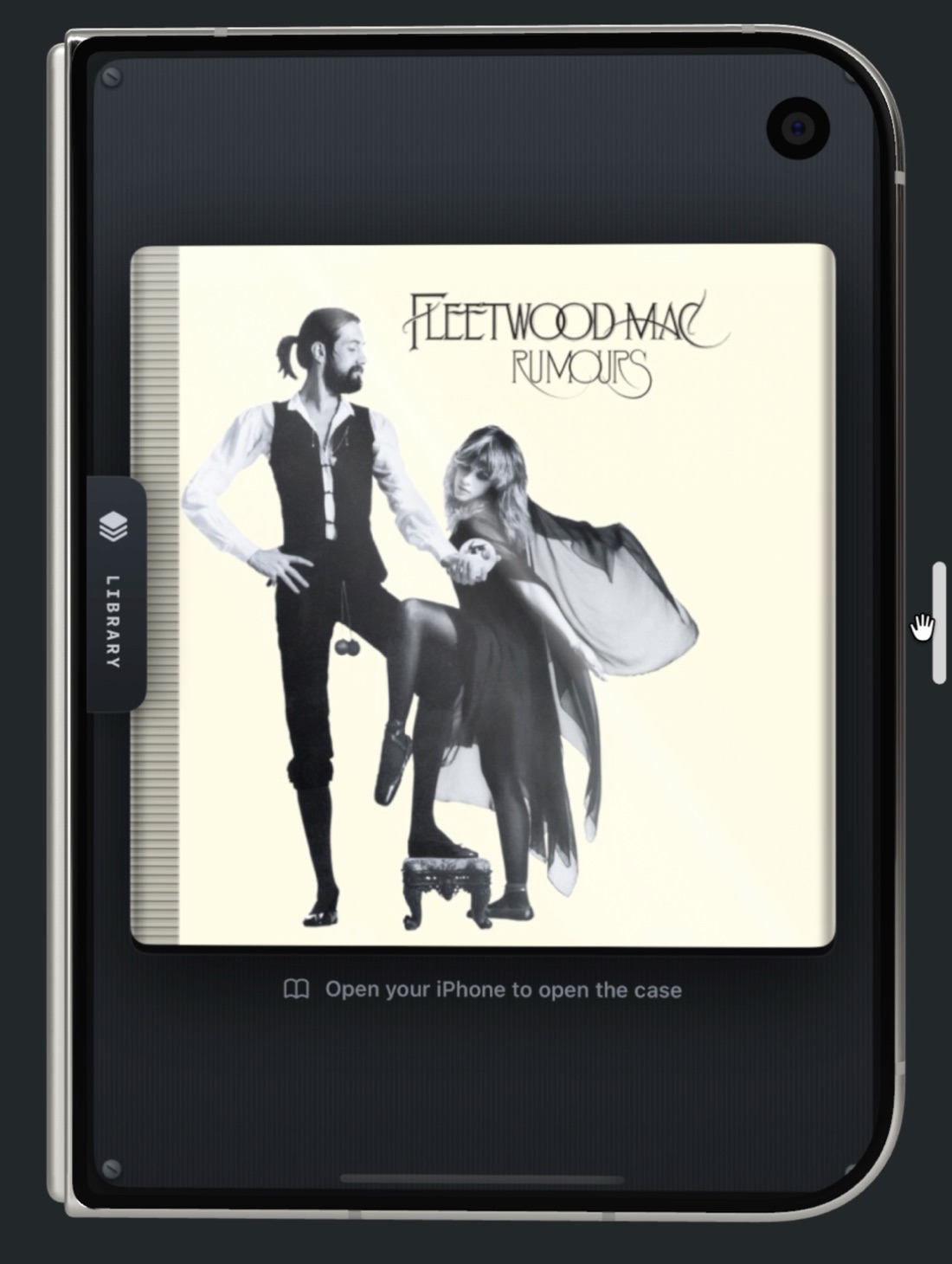
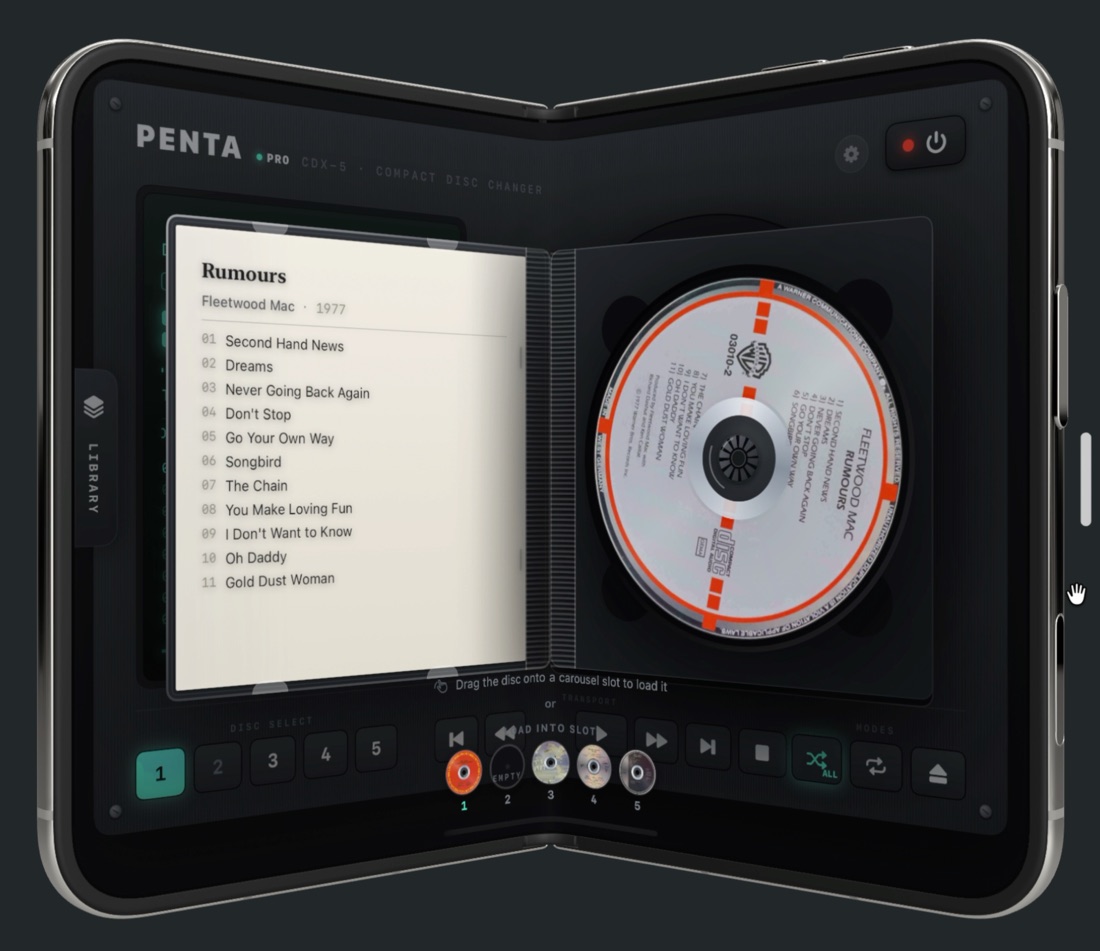
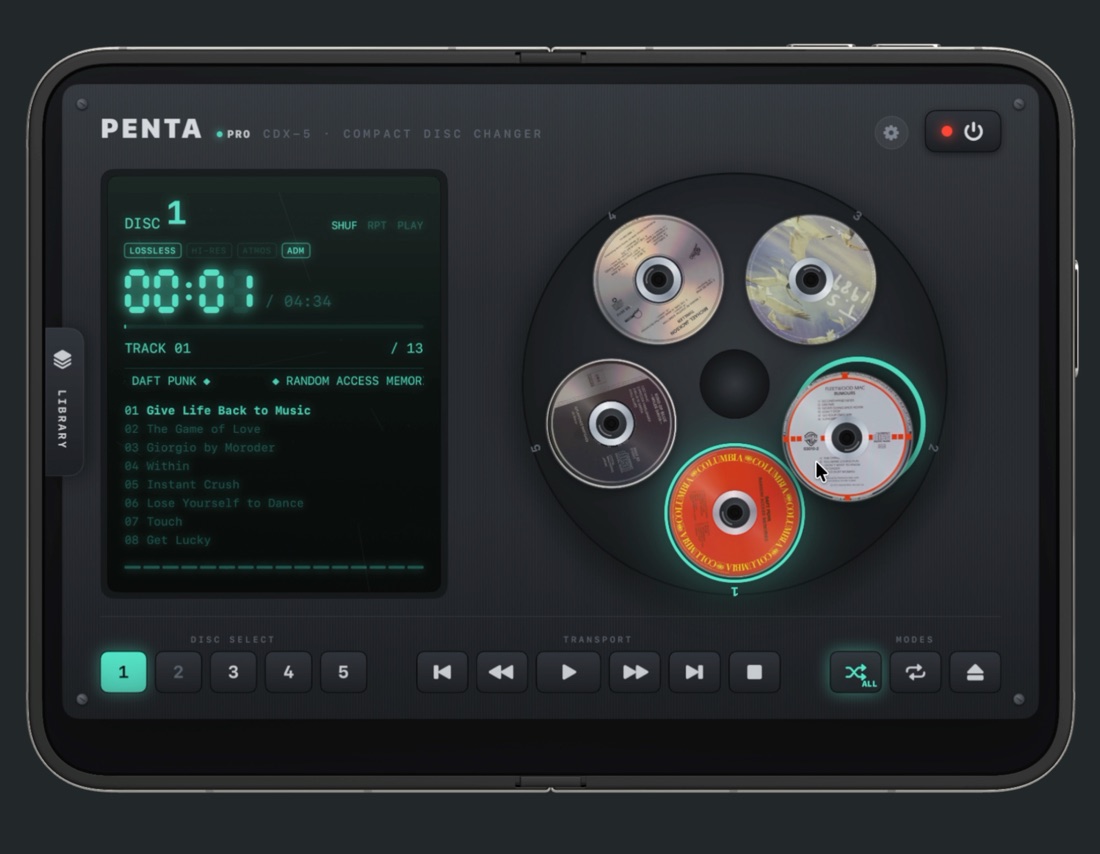
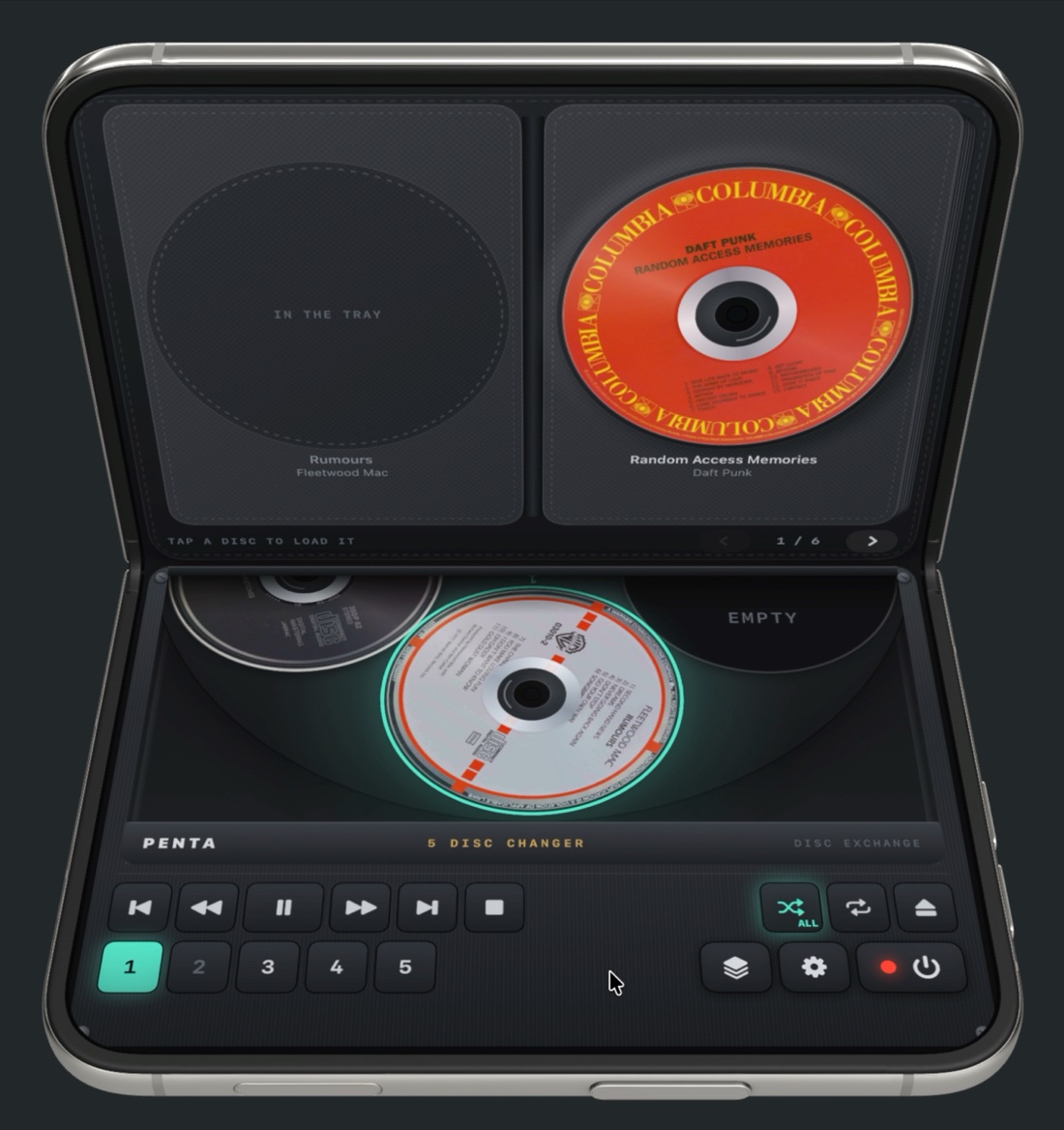
On iPhone and iPad today.
Real album art on every disc, keys you can feel on iPhone, and any way up on iPad.
Questions
What do I need?
An iPhone or iPad with iOS or iPadOS 17 or later. Albums you own play without a subscription; streaming from the Apple Music catalog needs an Apple Music subscription.
Does Penta work on iPhone Duo?
Yes. Since Penta 1.3 the phone is the jewel case: open the Duo and the case opens with it.
Why can't I play any music?
Penta needs permission to access your music library. If you chose "Don't Allow", turn it back on in Settings › Penta › Media & Apple Music. Catalog albums also need an Apple Music subscription.
Does Penta change my library?
No. It only reads your library to show and play albums. It never adds, removes or edits anything.
Are the level meters real?
Apple Music audio is protected, so no app can read the live signal. The meter animation is decorative by design.
How do I get in touch?
Email jaseubert@gmail.com. I read every message.